

1. Your fundraising page will be set up automatically
Register for a ticket and your fundraising page will be set up automatically with Social Sync. Click on the button 'visit my fundraiser' - this will take you to your dedicated fundraising page.
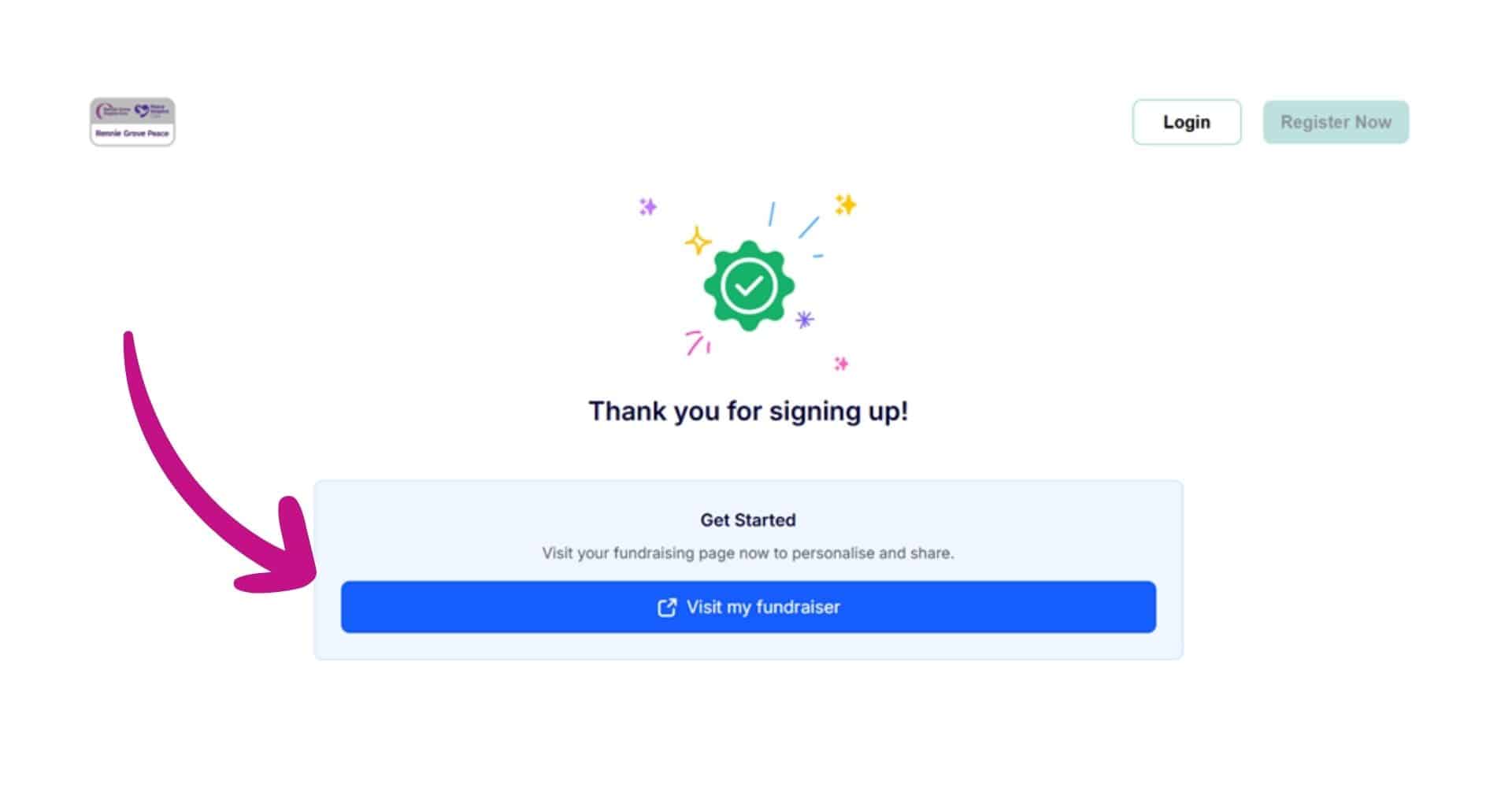
2. Personalise your page
We recommend personalising your fundraising page before you share it with friends and family. You can either use the default photo on the page - or upload your own photo. Perhaps a photo of yourself training, or a photo of the person you're walking in memory of. Don't worry if you don't have it to hand - you can always add at a later date.

3. Tell your story
Click on the pencil icon next to 'My Story' to add your own personal story so that your friends and family know why you're fundraising for Rennie Grove Peace Hospice Care. Having a compelling story can really make a difference when you're fundraising. If you’re challenging yourself with this event, share how much effort you’re putting in. And if you’re walking in memory of someone, let your supporters know and tell their story.

4. Share your fundraising page
By clicking 'share' you'll be able to share your page via Facebook, Whatsapp, Messenger, Linkedin and email. You'll also be able to add your page to your digital wallet.

5. Create or join a team
If you're walking as a group then you can create or join a team. If you create a team you can choose your own team name, add a team photo or story and share your team page where others can then choose to join your team. If you want to join an existing team, search for the team name or ask a friend or family member to share the team page with you, then click “Join Team".

6. Set up multi-platform fundraising
Here you can create individual fundraising pages on Facebook or JustGiving. The total raised across all platforms will be shown on your Rennie Grove Peace fundraising page.


Email magic link
Once you've clicked 'login' you can then click 'Email magic link' where you will be able to enter the email address that you registered with - then check your emails for the link to take you to your fundraising page.

You're all set!
Your fundraising page is set up and you are ready to go! We recommend making a small test donation to check it is working. Then it's time to share with your friends and family and see the donations start rolling in! Good luck and thank you for your support!